
Deposit Checks Without Leaving Your Office
FSB's Remote Deposit service lets you scan and deposit checks from your desk using a dedicated scanner and Business Online Banking. No deposit slips, no trips to the branch, and no manual stamping.
Save Time
Eliminate branch runs for check deposits. Batch scan your day's checks and submit from your desk in minutes.
Easy to Use
Skip deposit slips and check stamping. The scanner reads the amount and flags errors before you submit.
Reduce Errors
Automated totals and built-in validation catch mismatches, so deposits move faster with fewer corrections.
How to Make a Remote Deposit
Three steps to process your checks from your office.
1
Access Remote Deposit in Online Banking
Log in to Business Online Banking and navigate to Deposits > Merchant Source Capture. Your scanner must be connected to your computer via USB before you begin.
2
Scan Your Checks
Load your checks into the scanner. The system reads check amounts automatically. If a check amount is misread, you will be prompted to enter the correct amount before continuing. Keep deposits to under 400 items per batch.
3
Verify and Submit
Confirm the deposit total matches your checks, then click Submit. After submitting, store your physical checks in a secure location for at least four weeks before destroying them.
After submitting a deposit, keep your physical checks in a secure location for a minimum of four weeks before destroying them. This protects you in the event of a deposit dispute.
Frequently Asked Questions
Is mobile deposit also available?
+Yes. Individual checks can also be deposited using the FSB mobile app on your phone. Remote Deposit with a scanner is the better option for businesses with regular check volume because it handles batches faster than mobile deposit and is better suited to high-volume days. Mobile deposit is best for occasional, individual checks.
What scanners does FSB support?
+FSB supports two scanner types. A Standard Scanner handles 1 to 20 checks and is suitable for low daily volume. An Automatic Feed Scanner handles larger volumes and can process checks at a high rate per minute. Contact Kallie Herink for a quote on the scanner that fits your needs.
Is there a limit on how many checks I can deposit at once?
+Keep each deposit batch under 400 items. If you regularly exceed this volume, contact Kallie Herink to discuss your setup and whether a different scanner configuration is appropriate.
How long should I keep physical checks after depositing?
+Retain scanned checks in a secure location for a minimum of four weeks after deposit. This window protects you in the event of a dispute or question about a specific item. After four weeks, shred them securely.
Scanner Options & Pricing
| Scanner Type | Best For |
|---|---|
| Standard Scanner | Low volume, 1 to 20 checks at a time |
| Automatic Feed Scanner | High volume, processes large batches at speed |
Initial equipment and setup costs apply, along with a monthly service fee. Contact Kallie Herink for a quote based on your volume.1
Remote Deposit Quick Reference Guide
Scanner setup, batch limits, deposit steps, and check retention requirements
Your Treasury Management Contact
Questions about scanner options, pricing, or remote deposit setup? Reach out to Kallie directly.
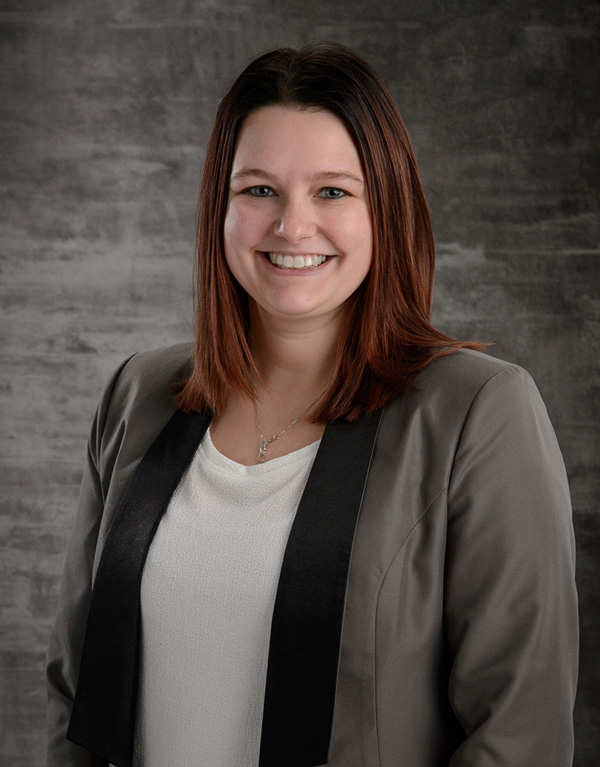
Kallie handles remote deposit setup, scanner selection, and ongoing support for business customers. She can provide a quote based on your typical check volume and walk you through the enrollment process.
Ready to deposit checks from your office?
Get Started with Remote DepositRemote Deposit Disclosures
1Initial equipment and setup costs, along with a monthly fee will apply. Contact Kallie Herink for additional details.
Accounts and services subject to approval. Monthly and per service fees plus applicable sales tax may apply. Certain services may be subject to account analysis. Trademarks property of respective owners.
Additional terms and conditions apply. Contact FSB for more information.

ACH Solutions For Your Business
Easily manage and schedule business payments with FSB's ACH Services.